
SCALAR Driver App
The driver application for safe navigation
Key Facts
Downloadable AppAccelerates mobility service launchDriver FriendlyAll information needed at the tip of their fingerAdaptiveDynamically adapts to service and traffic levels
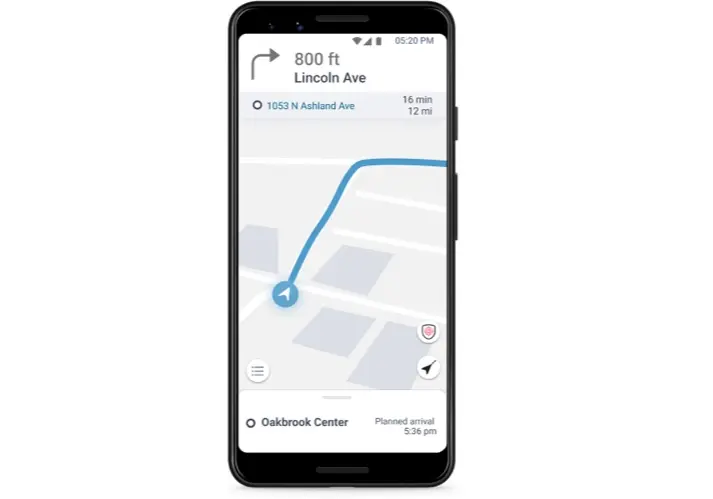
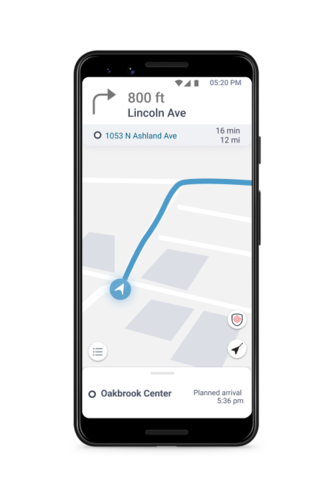
The SCALAR Driver App is a ready to use application that the mobility service provider's drivers can download from an App Store. Once logged in, the driver can view the current mission details, follow turn by turn navigation, validate travelers' on and off-boarding, view next planned rides and report issues.
Gallery
Details
Why use the SCALAR Driver App
The SCALAR Driver App allows drivers to safely complete transport missions. It is dynamically adapted to the demand. It is developped and maintained by ZF as part of the platform subscription and provides the following functionalities:
- Log in to start shifts
- View the current mission details
- Receive turn-by-turn navigation directions
- Validate travelers' boarding and alighting
- View next planned rides
- Report issues
Enables easy mobility service implementation
- How to use SCALAR Driver App
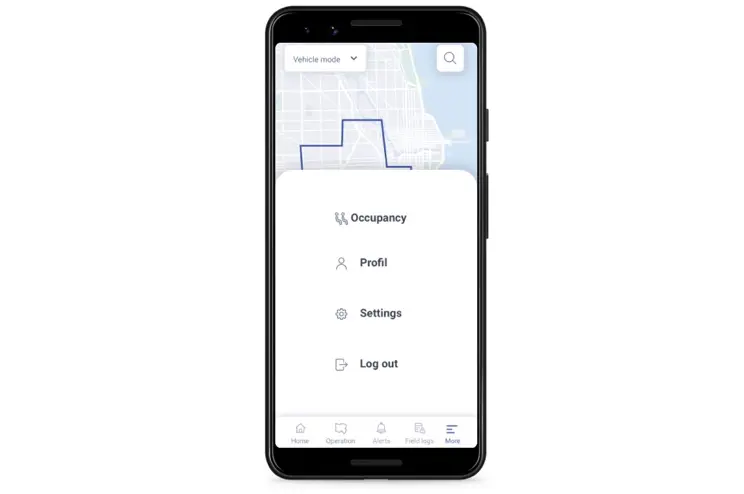
Once the driver is registered through the SCALAR Mobility Dashboard, he/she can log in into the Driver App using his/her credentials to be ready to start his/her shift and complete the received missions.
- Log in to start the shift
The driver logs in using his/her credentials. He/She is now available to start his/her shifts. The platform can then start sending missions assigned to him/her.
- View the current mission details
At any time, the driver can view the mission purpose, the destination, the route, the list of travelers to be transported and the estimated arrival time.
Receive missions and turn-by-turn navigation directions
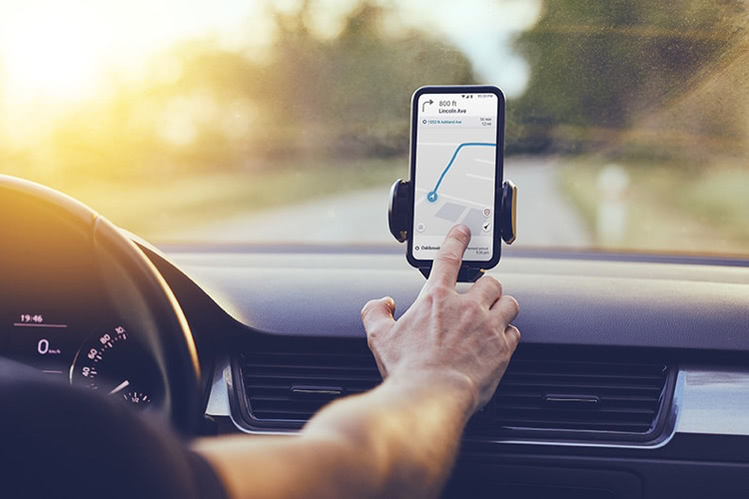
The driver receives the turn-by-turn navigation within the Driver App. There is no need to switch to another navigation app so that drivers can safely receive mission updates while keeping their focus on the road. Routes received are defined by the Orchestration platform to meet service criterias and vehicle characteristics.
- Validate travelers boarding and alighting
Once the Driver has arrived to destination, a list of Travelers to on-board and off-board is displayed. The Driver can validate each Traveler or place a no-show.
- View next planned rides
At any time, the driver can have a full view of the next rides planned in the current shift.
Report issues
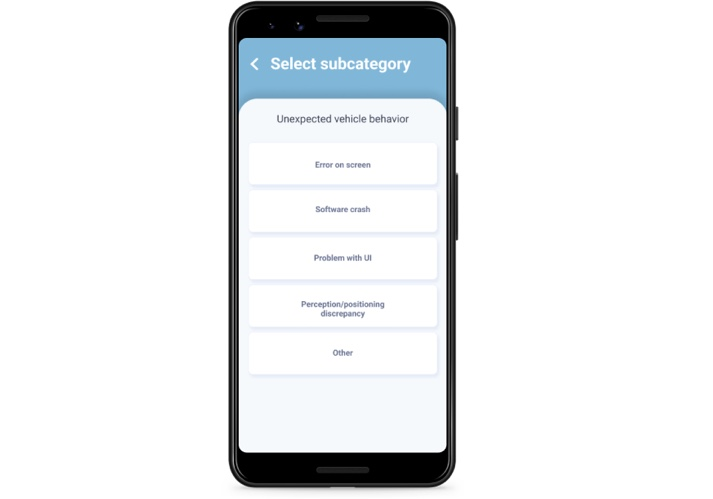
The driver can easily report issues that will be logged, geo-localized and accessible via the Dashboard.
Technical specs
- Application type: Native Mobile Application
- Supported operating systems: Android 10 and later


